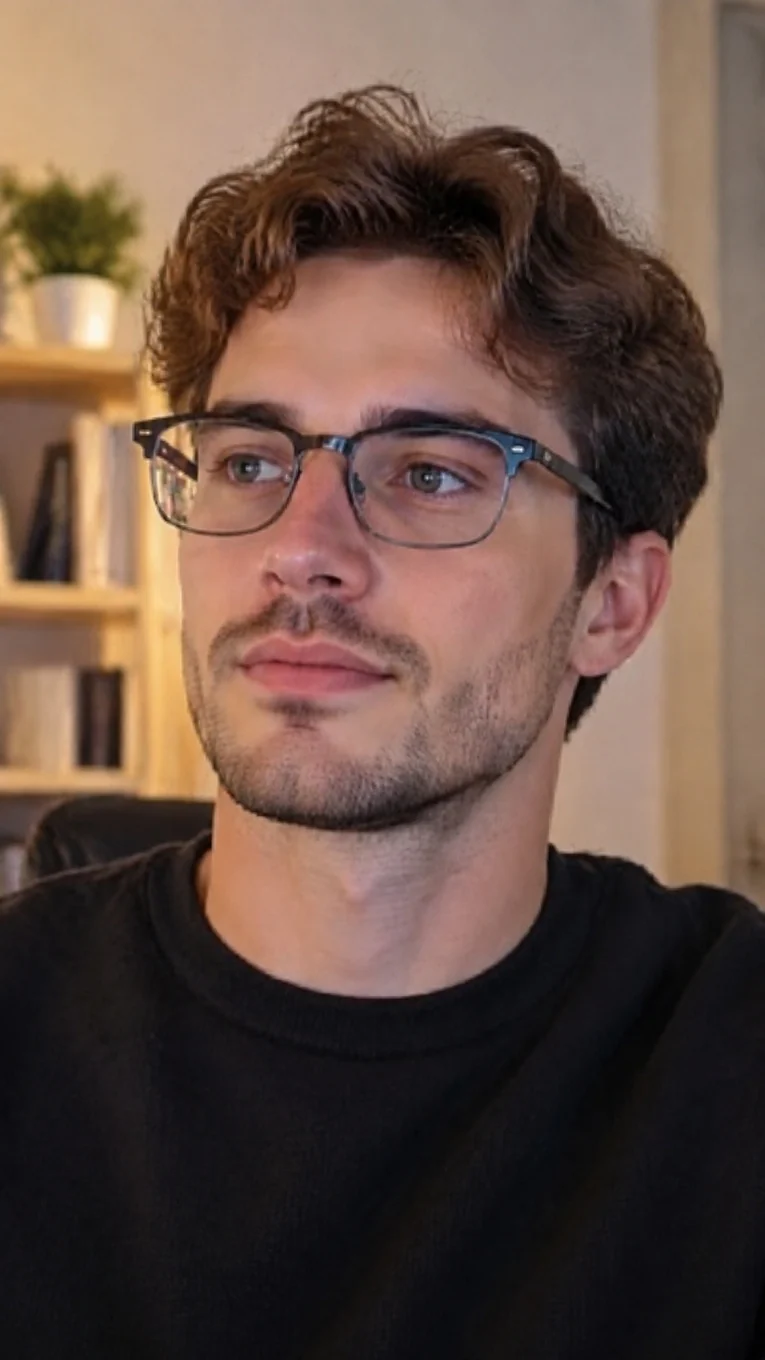
Automatic lens reflection reduction

Remove Glare from Glasses in Photos

Reduce distracting reflections on eyeglass lenses with AI. Upload your photo and process it automatically—no brushing required.

JPG, PNG or WebP·Up to 10 MB·Compare before downloading

Your first Fast edit is free without signing in · Sign up for 1 more free Fast edit

Use photos you own or are authorized to edit, and respect the privacy and portrait rights of people shown. In group or event photos, obtain appropriate consent before publishing materially altered images. AI estimates the hidden background; keep the original when authenticity matters.

Before and after

Glasses Glare Removal Example

Compare the lens reflections before processing with the AI result.

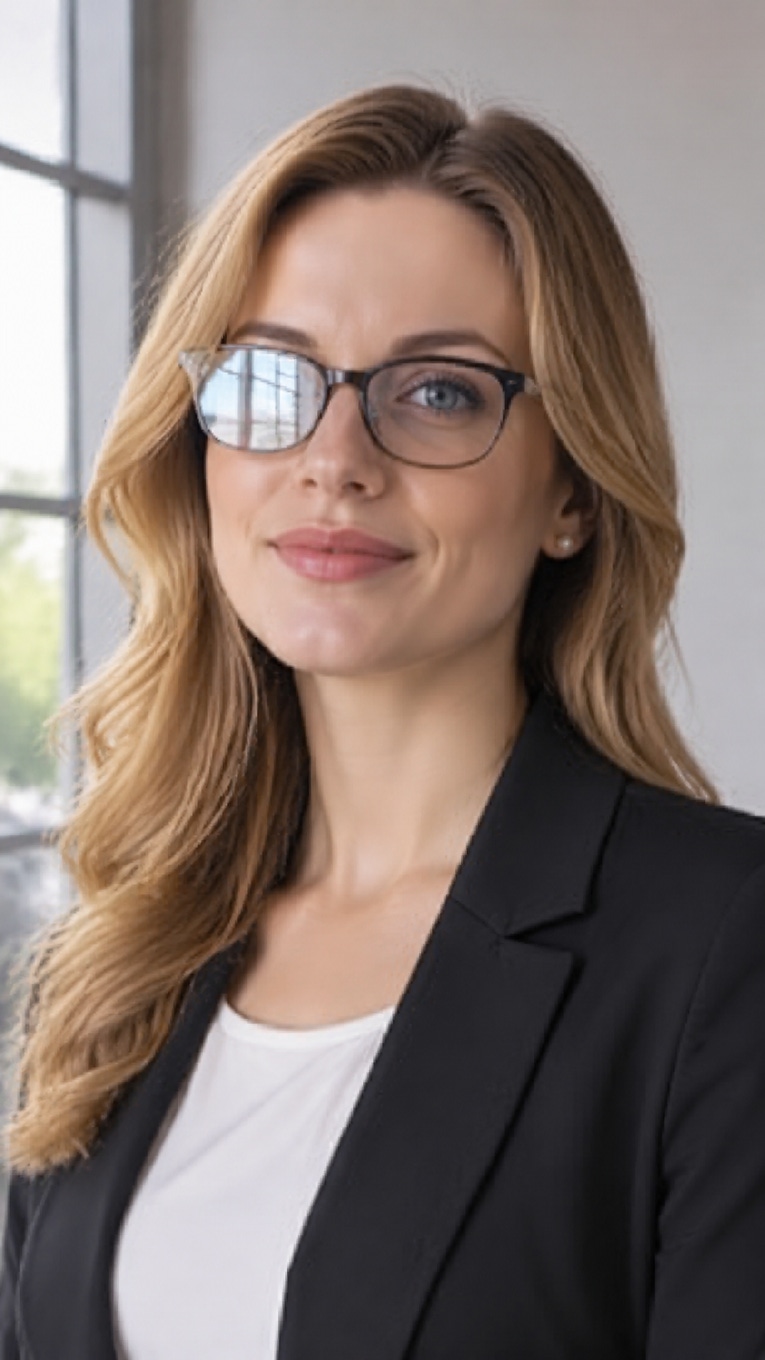
Reduce window reflections on glasses — original photo
Before
Reduce window reflections on glasses — AI result
After

Reduce window reflections on glasses

Large window panes can create bright rectangular reflections across eyeglass lenses in daylight portraits. This example reduces the reflected window shapes while preserving the frames, visible eye detail, facial expression, and natural indoor light.

Check the lens edges, pupils, and window-side lighting to confirm the portrait still matches the original.
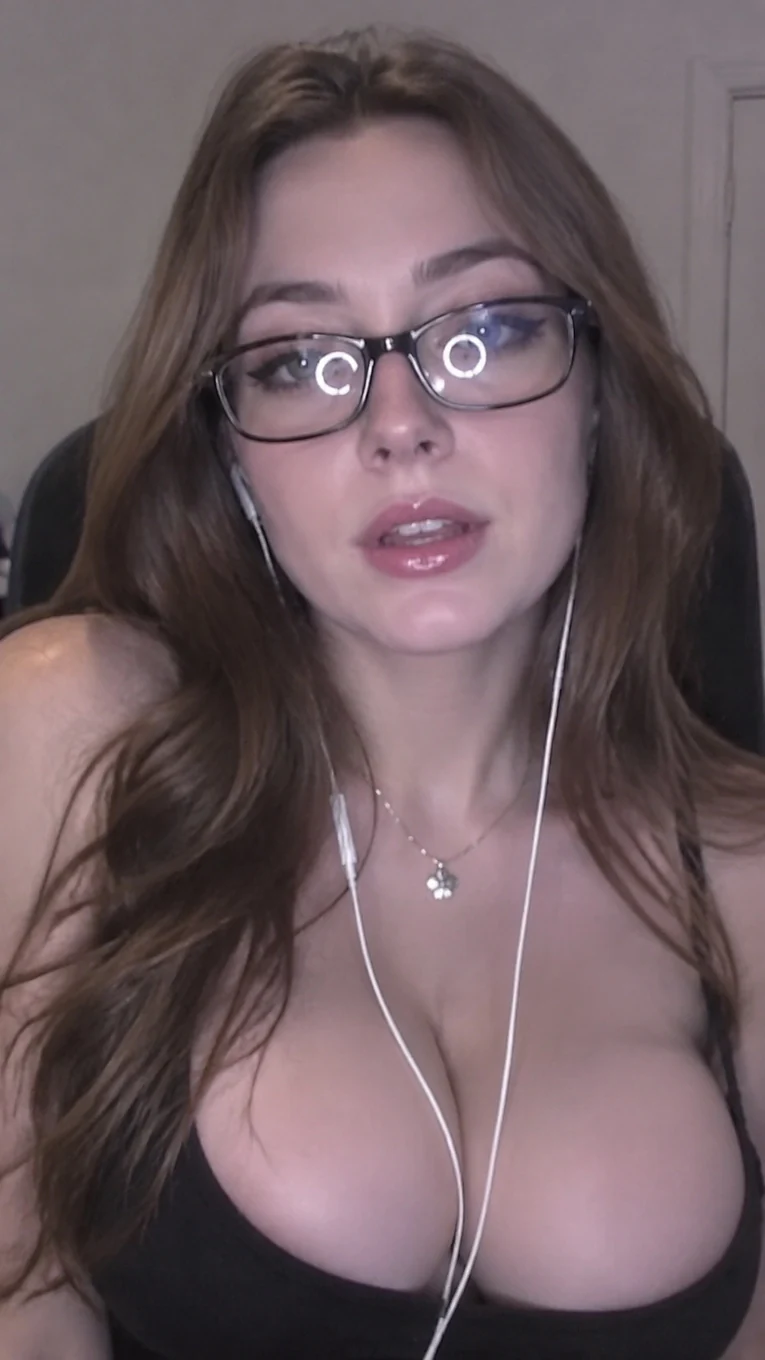
Remove ring-light reflections — original photo
Before
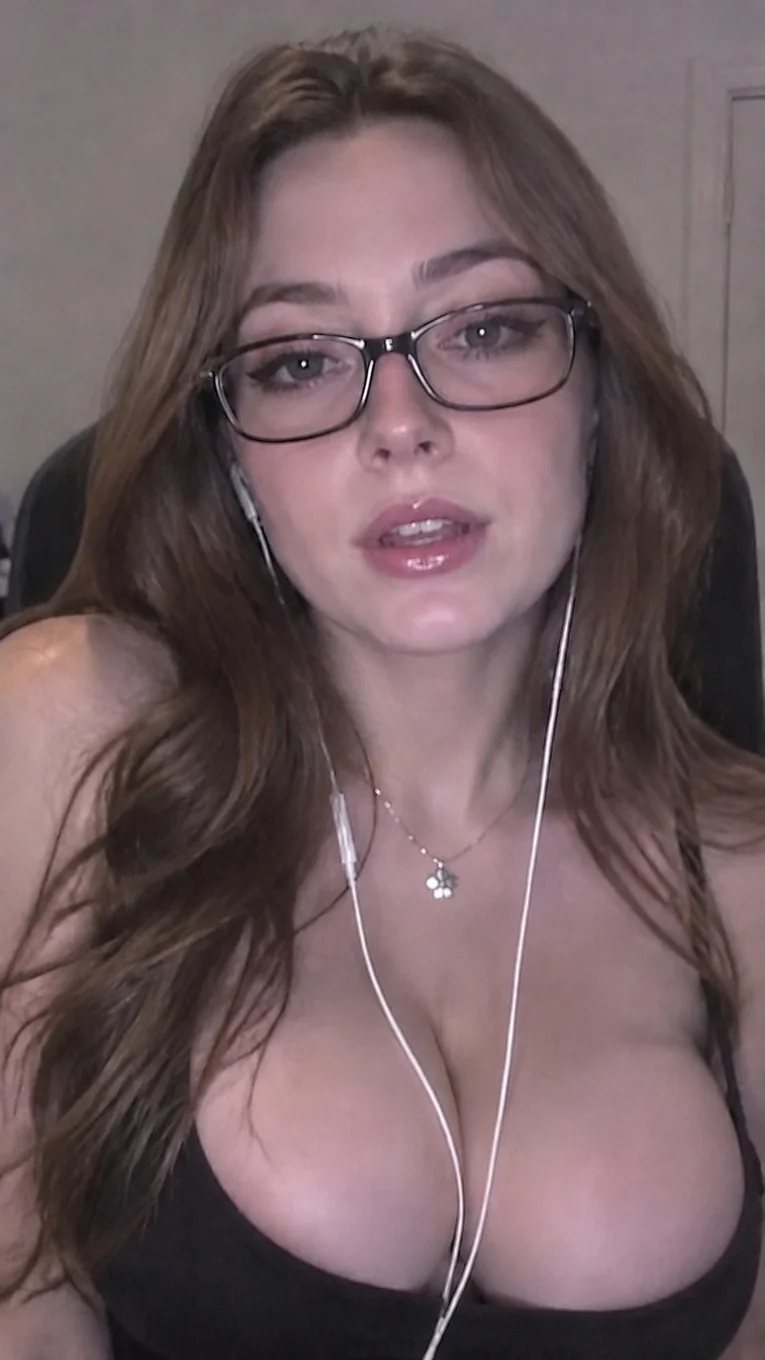
Remove ring-light reflections — AI result
After

Remove ring-light reflections

Bright white rings reflect across both lenses in this indoor portrait, drawing attention away from the eyes. Automatic processing removes the circular reflections while retaining the dark frames, facial expression, hair, and room background.

Compare pupils, eyelashes, and frame edges with the original, especially where the bright rings covered eye detail.
Reduce glare in family photos — original photo
Before
Reduce glare in family photos — AI result
After

Reduce glare in family photos

Reduce distracting lens reflections in a family photo while keeping each person’s glasses, expression, and pose.

Review every face and pair of glasses individually after processing.
Reduce flash glare in portrait photos — original photo
Before
Reduce flash glare in portrait photos — AI result
After

Reduce flash glare in portrait photos

A direct camera flash can leave bright white reflections across both lenses in indoor and evening portraits. This example reduces those hotspots while keeping the glasses, face, pose, and dark background in place.

Review the pupils, frame edges, and facial lighting where the original flash covered visible eye detail.
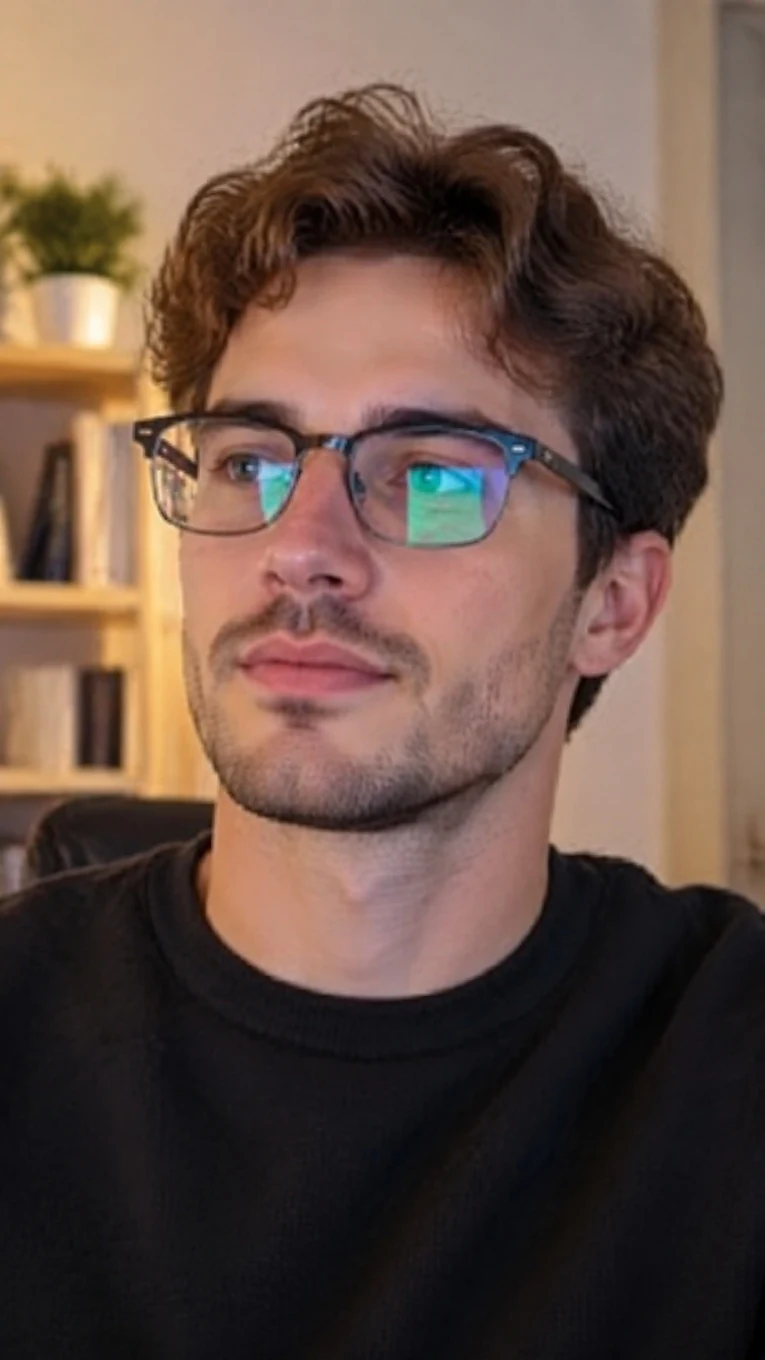
Reduce green glare on glasses — original photo
Before
Reduce green glare on glasses — AI result
After

Reduce green glare on glasses

Bright green reflections cover parts of both lenses in this indoor portrait. Automatic processing reduces the colored glare, making the eyes easier to see while retaining the glasses, pose, and warm room background.

Compare eye color, gaze, and frame edges with the original, especially where the green reflection obscured eye detail.
Focused workflow

An Automatic Glasses Glare Remover

This tool is for glare visible on eyeglass lenses—not for deleting frames, lamps, windows, screens, or other objects. It uses one automatic workflow so you can upload, process, compare, and download without drawing a mask.

What it is

A dedicated AI photo editor that reduces reflections on eyeglass lenses while asking the model to preserve the glasses, eyes, face, framing, and everything else.

Who it is for

Portrait photographers, families, profile-photo owners, and anyone with an otherwise useful photo affected by lens reflections.

What task it solves

It targets window reflections, flash glare, colored glare, and ring-light highlights that distract from a person's eyes.

How it differs

Unlike the general object remover, this page does not ask you to paint over an area or describe an object to delete. The glasses remain in the photo.

What to do next

Upload the clearest original photo available, run the automatic edit, then switch between Original and AI Result before downloading.

How it works

How to Remove Glare from Glasses in a Photo

Step 1

Upload your photo

Choose a JPG, PNG, or WebP image up to 10 MB.

Step 2

Process automatically

Click Reduce Glasses Glare. No brush, prompt, or reflection setting is required.

Step 3

Compare and download

Check the original against the result, inspect the eyes and frames, and download only when the edit looks natural.

Practical guide

What to Check in Your Result

Automated restoration is most reliable when some eye detail remains visible behind the reflection.

Eyes and expression

Zoom in and confirm that eye shape, gaze, eyelashes, and expression still match the original.

Frames and lens edges

Check that frame lines, hinges, lens boundaries, and nearby hair have not been distorted.

Every face in a group

For family or group photos, review each person individually before saving the result.

FAQ

Frequently Asked Questions

Related removers

Related Photo Cleanup Tools

Need a different kind of edit? Choose the workflow that matches the pixels you want to change.